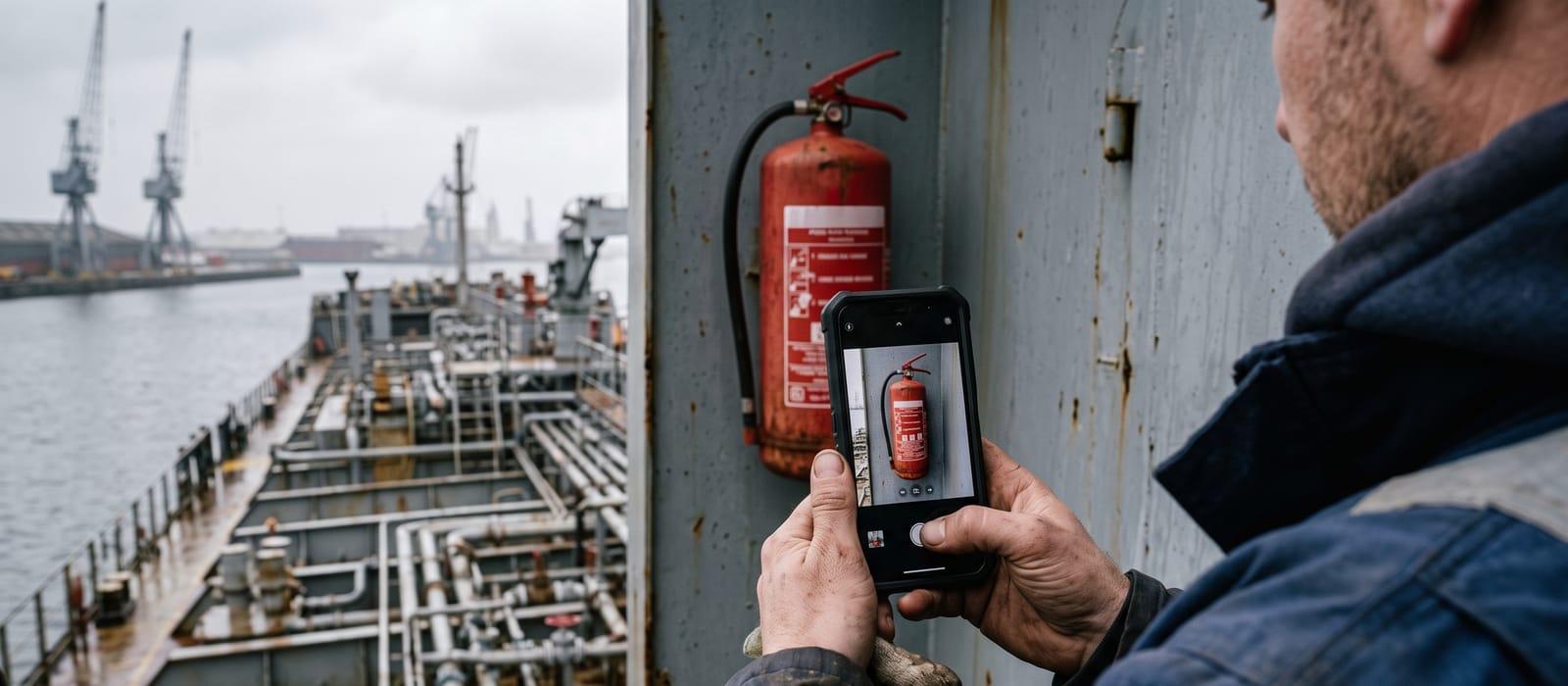
The SIRE 2.0 photo repository is a standard set of vessel photographs the operator must upload to OCIMF's database before an inspection is booked. A missing photograph is recorded as a negative observation. On board, the inspector compares the uploaded images against the ship's actual condition, so the set has to stay current.
What is the SIRE 2.0 photo repository?
The photo repository is the part of the SIRE 2.0 database that holds each vessel's standard photography set. OCIMF introduced it with SIRE 2.0, which went live on 2 September 2024 and withdrew the old VIQ7 inspection on the same day (the full comparison is in SIRE 2.0 vs VIQ7). Before an inspection is booked, the operator uploads a defined set of photographs; the inspector arrives with a picture of the ship already in hand.
The repository sits alongside the vessel's other pre-inspection data: the Particulars Questionnaire, the HVPQ and the certificate repository. Together they form the submitted half of a SIRE 2.0 inspection, prepared before anyone boards, and the same accuracy standard applies across all of it. PIQ and HVPQ data accuracy covers the questionnaire side.
The photographs are not decoration. The compiled questionnaire the inspector works from, the CVIQ, is assembled per vessel, and the uploaded images set a baseline: this is what the operator says the ship looks like. The inspection then tests that claim.
Which photos must an operator maintain?
Every tanker provides the same core set of 33 photographs, and most vessels add a smaller type-specific set on top. The core runs from the bow aft: the bow from dead ahead, the hull forward and aft on both sides, the forecastle and a windlass, the main deck and pipe racks fore and aft, one mooring winch with its brake setting arrangement visible, the hose cranes, the manifold looking in both directions, the poop deck, the emergency towing equipment, a lifeboat and davit, then down through the machinery spaces: emergency generator, main engine, one generator engine, the oil filtering equipment, the incinerator, the boilers, the purifier room and the steering gear.
| Vessel type | Additional photographs |
|---|---|
| All tankers | 33 standard locations, bow area to main steering gear |
| Crude, product, chemical tankers and OBOs | 3: P/V device, first non-return device (deck seal or block-and-bleed), one main cargo pump |
| LNG (membrane and Moss) | 3: cargo tank liquid dome, deepwell pump motors, compressor/motor room or sphere view |
| LPG pressurised | 3: liquid dome, vapour dome with relief valves, compressor house interior |
| LPG refrigerated | 3: liquid dome, one Moss sphere general view, compressor house interior |
| Shuttle tankers | 6: bow mooring arrangement from both directions, hose connection area, hose coupling, bow thruster room views |
The format rules are strict enough to catch casual submissions: colour, landscape orientation, clear and in focus, high resolution, no people in the frame, and jpeg or png files of no more than 10MB. OCIMF also asks for a digital date stamp within the image where possible.
How current do the photos have to be?
OCIMF recommends refreshing the standard set at roughly six-month intervals. The binding test, though, is representativeness: the photographs must show the vessel as she actually is, and an operator may stretch the interval only for as long as that stays true. OCIMF further recommends uploading new photographs, or validating the existing ones, before each inspection.
In practice the six-month rhythm is the sensible default. A trading tanker often faces a SIRE inspection on roughly that cycle anyway, so tying the photo refresh to the pre-vetting walk-through means the set is never older than one inspection. A set that was accurate in January and unexamined since is a quiet gamble by July.
What happens when inspection-day conditions do not match the uploaded photos?
The mismatch itself becomes a finding. SIRE 2.0 treats photograph comparison as its own subject of concern: the inspector identifies the standard photograph location involved and codes the nature of concern through a dedicated cause analysis tree.
| Coded nature of concern | What it tells the reader |
|---|---|
| Area/item shown recently upgraded, maintenance programme in progress | The photo runs ahead of current condition, but work is underway and evidenced |
| Area/item shown recently upgraded, no evidence of an ongoing maintenance plan | The photo flattered the ship and nothing on board backs it up |
| Area/item shown not representative of the overall condition | The uploaded set painted a better picture than the vessel presents |
The third row is the one to fear, because of who reads it. These codes flow into the published report that charterer vetting teams screen, and a coded statement that the operator's own evidence did not match the vessel reads as a credibility problem, not a housekeeping one. How those teams work through a report is covered in how charterers read SIRE 2.0 negative observations.
Which photo mistakes draw observations?
The simplest mistake is the costliest: no photograph at all. OCIMF states that a negative observation will be recorded if a required photograph has not been uploaded by the operator. After that come the quieter failures.
- A stale set: photographs of a deck that has weathered two winters since the shutter clicked.
- Best-day photographs: images taken straight after drydock that the vessel can no longer live up to, which invites the "not representative" code.
- Wrong subject: a photograph that does not actually show the named location, the brake setting arrangement or the limit switches the list asks for.
- Format failures: portrait orientation, crew in the frame, low resolution, or files the system rejects.
None of these findings say anything about the ship's real condition. They are unforced errors in evidence management, which is exactly why screeners notice them: an operator that cannot keep 33 photographs current invites questions about the systems behind the photographs.
How do you keep photo evidence current across a fleet?
Treat the repository as an output of the pre-inspection walk-through, not a separate chore. The crew already walks the vessel before a SIRE booking, and the standard photograph locations are a fixed, published list, so folding them into that walk-through costs minutes. The failure mode is organisational: across ten or fifteen tankers on a six-month clock, some vessel's set is always about to lapse, and nobody ashore owns the calendar.
A workable routine:
- One named owner per vessel for the photograph set, usually the officer running the pre-inspection
- Photographs captured against the standard location list during every pre-vetting walk-through
- Each new set reviewed ashore against the previous cycle, so deterioration is spotted before an inspector codes it
- Refresh dates tracked fleet-wide, with the repository updated or validated before every booking
The walk-through itself is laid out in the SIRE 2.0 preparation checklist, and the wider shift in what inspectors do on board in SIRE 2.0 and the CVIQ. A current photo set does not prevent observations about real defects. It prevents the avoidable ones, and it leaves the operator holding its own dated record when a finding needs an answer inside the 14-day operator comment window.